Bring in SHP and cadastral GML without re-entering data by hand
DWGExplorer brings vector geospatial data and cadastral exchange workflows, which usually force you to switch tools, into your CAD environment.
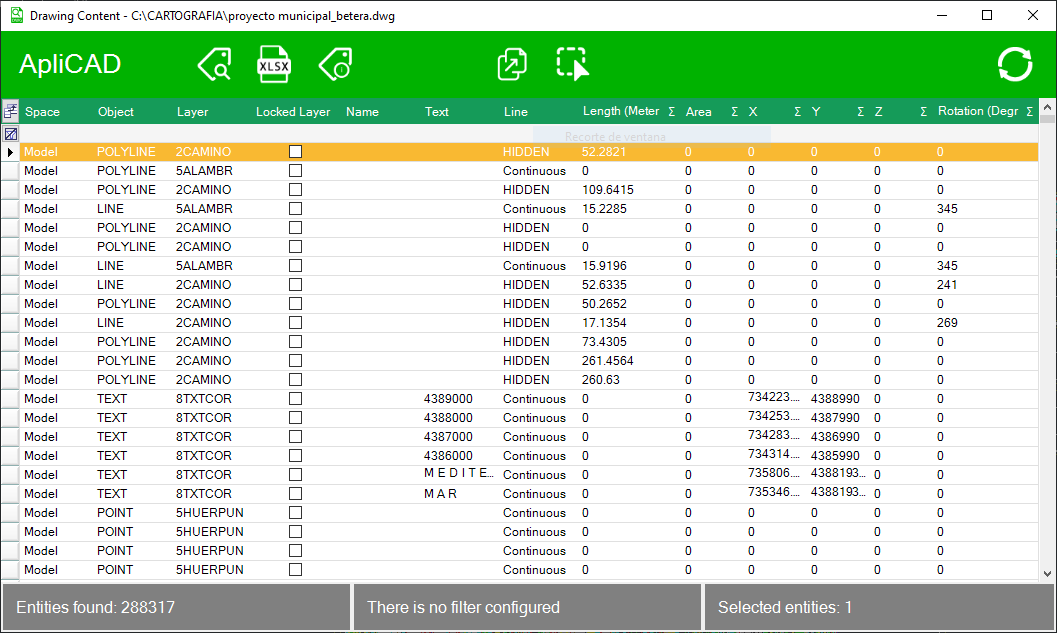
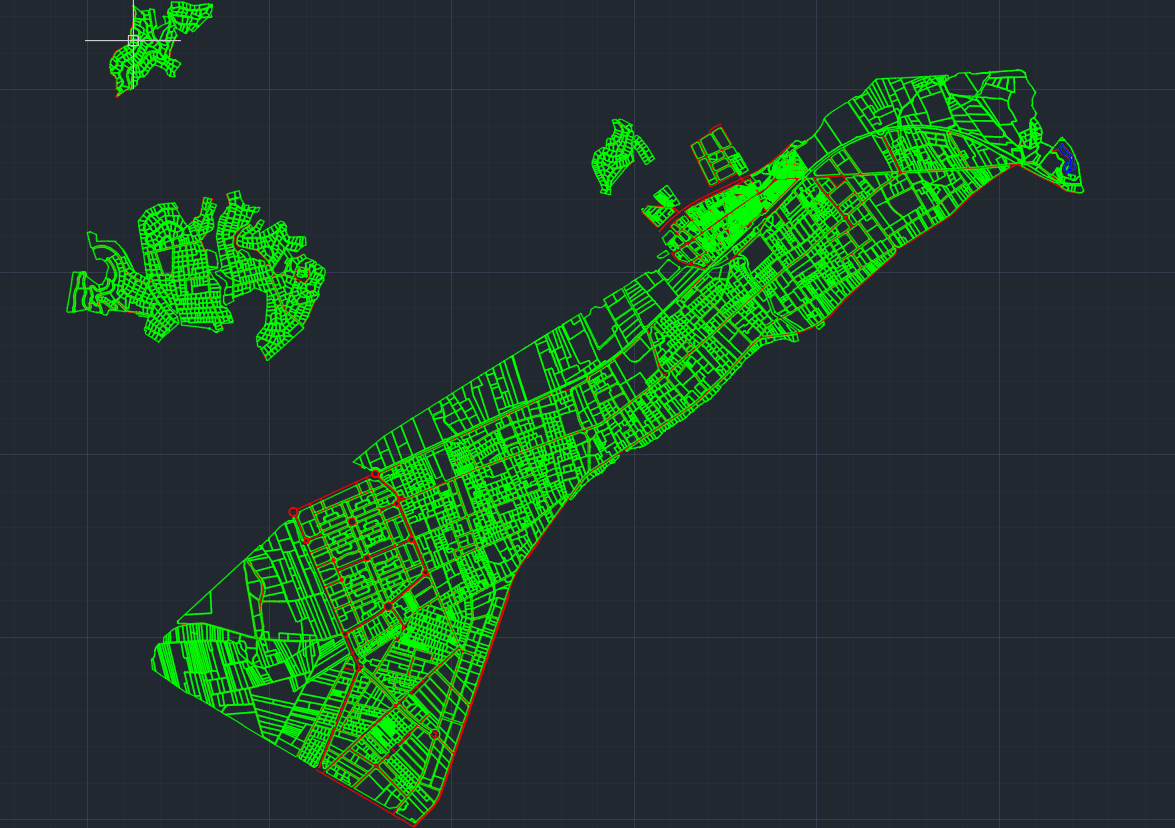
Geospatial exchange designed for real technical work
Import SHP
Load shapefiles, check the number of entities and adjust the target layer before inserting the data into the drawing.
Query attributes
Once imported, entities keep their attribute data, such as area, cadastral reference or other SHP fields.
Select and locate
Filter by a specific field and zoom exactly to the imported entities you want to review.
Generate parcel GML
Prepare georeferenced files for cadastral exchange from the project geometry.
Generate building GML
Extend the same workflow to buildings to keep documentation consistent and traceable.
Import Cadastre GML
Insert the file into the current drawing and leave the coordinate system ready to cross-check later with WMS.
From geospatial source to drawing, with attributes and spatial reference intact
Import and make use of the shapefile's attribute data
It is not just the geometry that gets inserted: the associated information remains available for later queries and selection from the form.
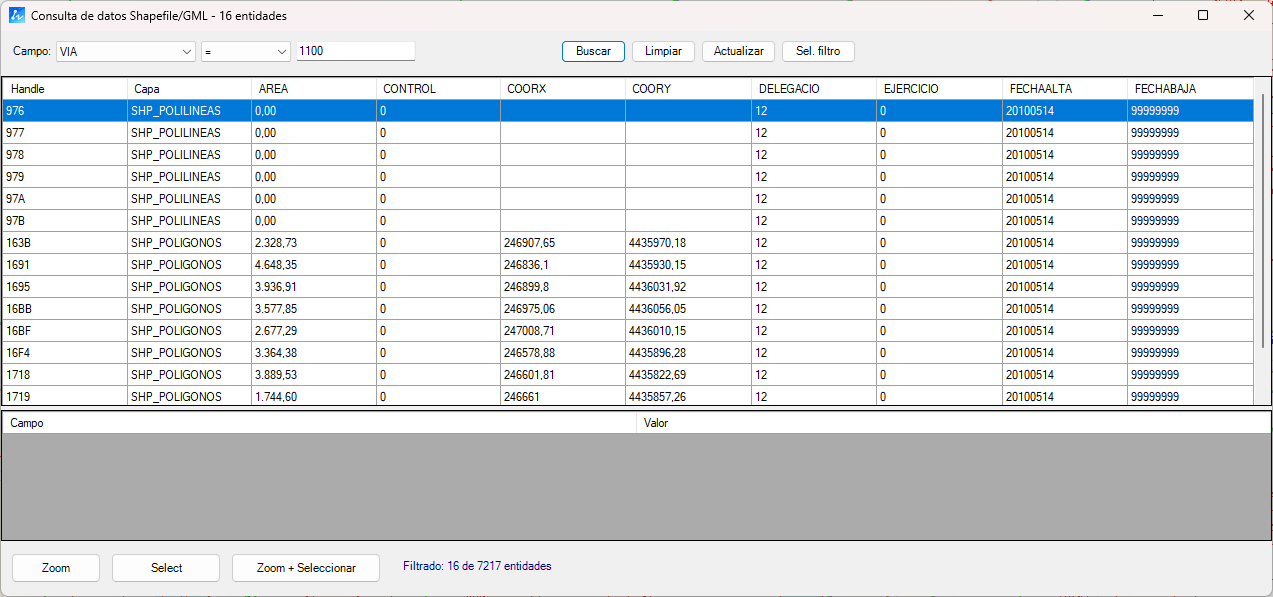
Turn attributes into practical review criteria
Filter by a field such as the street code and automatically get the exact set of entities to zoom to and select.
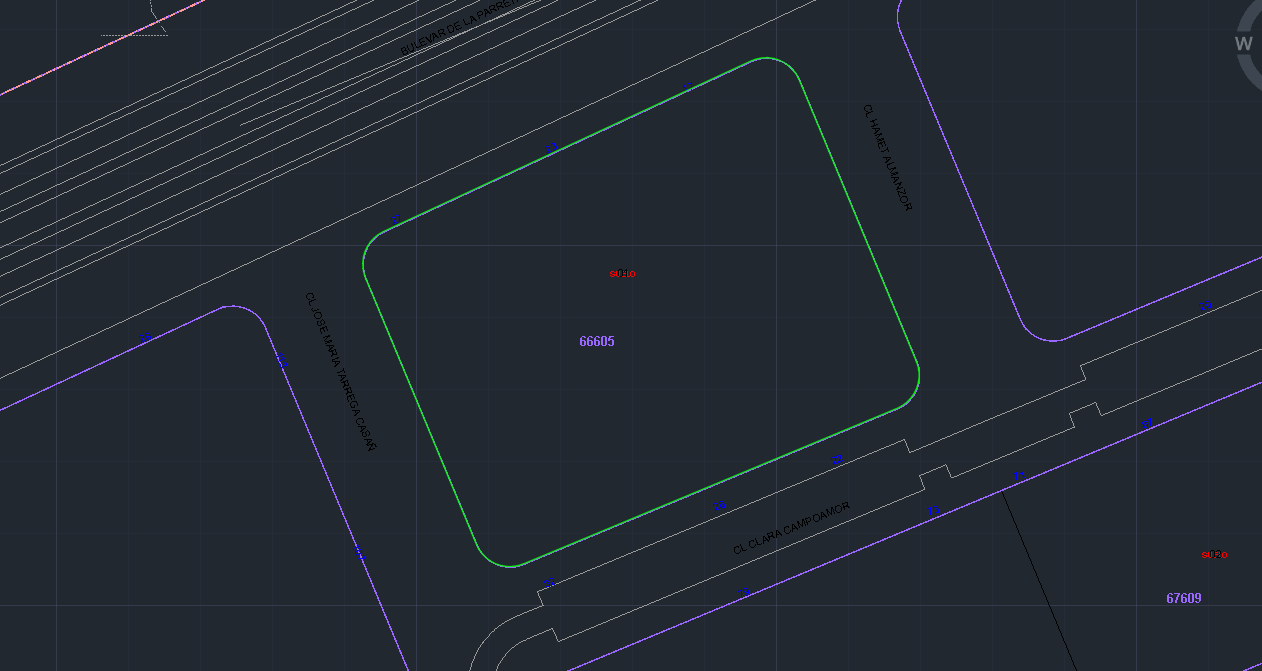
Generate or import cadastral exchange files with a georeferenced workflow
The system suggests a file name, shows a summary of the process and, when importing, can automatically set the correct UTM zone so you can keep working with maps.
How to make the most of import and GML within the project
Select the source file
Load the SHP or GML file you need to bring into the active project.
Check attributes and geometry
Review entity type, number of records, layers and associated data before moving on.
Query and filter
Use the imported attributes as search and checking criteria on the drawing.
Cross-check with maps
After importing, combine the geometry with WMS or Cadastre maps to validate position and context.
Get answers to the key questions before you try DWGExplorer
Does SHP import keep the attributes or only the geometry?
It keeps attribute data that is useful for later queries and filtering, such as area, references or other fields in the file.
Can I generate GML from DWGExplorer?
Yes. DWGExplorer lets you generate parcel and building GML files, and also import them directly into the drawing.
What happens to the coordinate system when importing GML?
In a new drawing, the import can automatically set the right UTM zone based on the information in the file.
Fewer jumps between CAD and GIS when you work with the Cadastre
DWGExplorer brings import, querying and preparation of geospatial exchange together in the same technical workflow.
SHP with attributes, cadastral GML and WMS context in a single tool.